
A receipt scanning app in India should do more than turn paper into a photo. The real job is extracting useful fields, making them searchable, and connecting them to your spending record. If the app cannot do that reliably, you are just creating a prettier pile of clutter. With the rise of GST and the need for proper documentation for tax purposes, receipt scanning has become more important than ever for Indian consumers and businesses alike. If you are specifically looking for free automation, check out what to expect from a free AI expense tracker.
The Features That Matter Most
Not all receipt scanning apps are created equal. Here's what to look for when evaluating options for Indian receipts:
OCR accuracy
The scanner should reliably read merchant name, date, amount, and line items where possible.
Export and storage
You should be able to save PDFs or images and retrieve them later without digging through WhatsApp or email.
Expense linkage
The best tools connect a scan directly to an expense entry instead of forcing a separate archive workflow.
Privacy
Receipts often contain addresses, GST details, order IDs, and payment information. Storage practices matter.
Good Options for Indian Users
Here's a practical comparison of popular options:
| Tool | Best use case | Why people use it |
|---|---|---|
| Essara | Personal finance plus receipt-backed tracking | Connects scans with spending and subscriptions |
| Google Drive | Free document capture and storage | Easy PDF creation and mobile access |
| Adobe Scan | Document quality and AI-assisted reading | Useful when you want help understanding scanned content |
| Zoho Expense | Business and reimbursement workflows | Strong autoscan and expense-management features |
How to Test a Receipt Scanner Before Committing
Before choosing a receipt scanning solution, run these tests with real Indian receipts:
- Use three hard samples: a faded grocery slip, a restaurant bill, and a fuel receipt.
- Check the fields: merchant, date, amount, tax, and payment details where available.
- Try search: if you cannot find the receipt later by merchant or amount, the scan was not truly useful.
- Check attachment workflow: can the scan become an expense entry or does it stay as a detached file?
- Test GST extraction: for business users, can it capture GSTIN and invoice numbers?
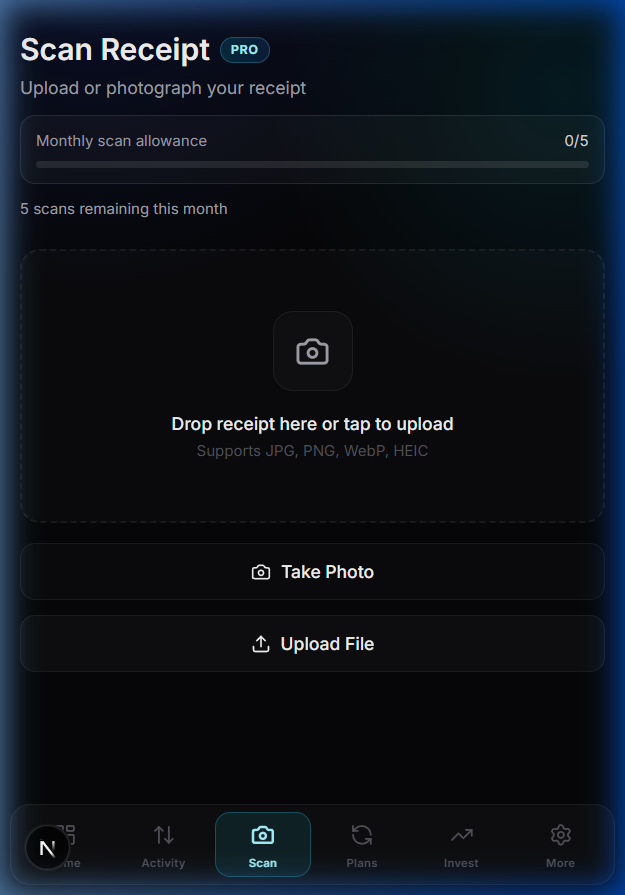
Why Essara Is a Better Fit Than a Standalone Scanner for Many Users
If your goal is only archiving documents, a basic scanner is enough. But if your goal is better financial control, the receipt should not live alone. It should support an expense entry, category, merchant history, and monthly review. That is where Essara has an edge.
The integration between receipt scanning and expense tracking means you're not managing two separate systems. When you scan a receipt, it's automatically linked to your expense record, making monthly reconciliation much simpler.
The best receipt scanning app is not the one that scans the fastest. It is the one that makes the receipt useful later.
If you want receipts to become searchable financial records instead of static files, sign up for Essara and connect scans directly to your spending workflow.